
How to determine Service Pack Level -
There is no easy way to determine if all of the .PBD files have been updated other than comparing the size of each file to the size of the file in the Service Pack folder. However, if when applying the files from the service pack to the PC, all files were copied there would be a .TXT file indicating the service pack - 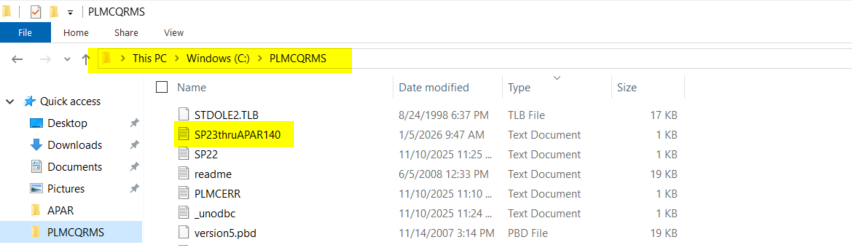
You also will find MDCC 8_6 Enh List word document that should have been written to the PLMCQRMS folder where MDCC was originally installed.
When copying the Service Pack files into the PLMCQRMS folder on the PC you must make sure that you have local admin authority and that the files you copied replaced the files that were in the PLMCQRMS folder. If you don't have the Authority or you don't tell windows to replace the files when you copy them, MDCC will not have been updated.