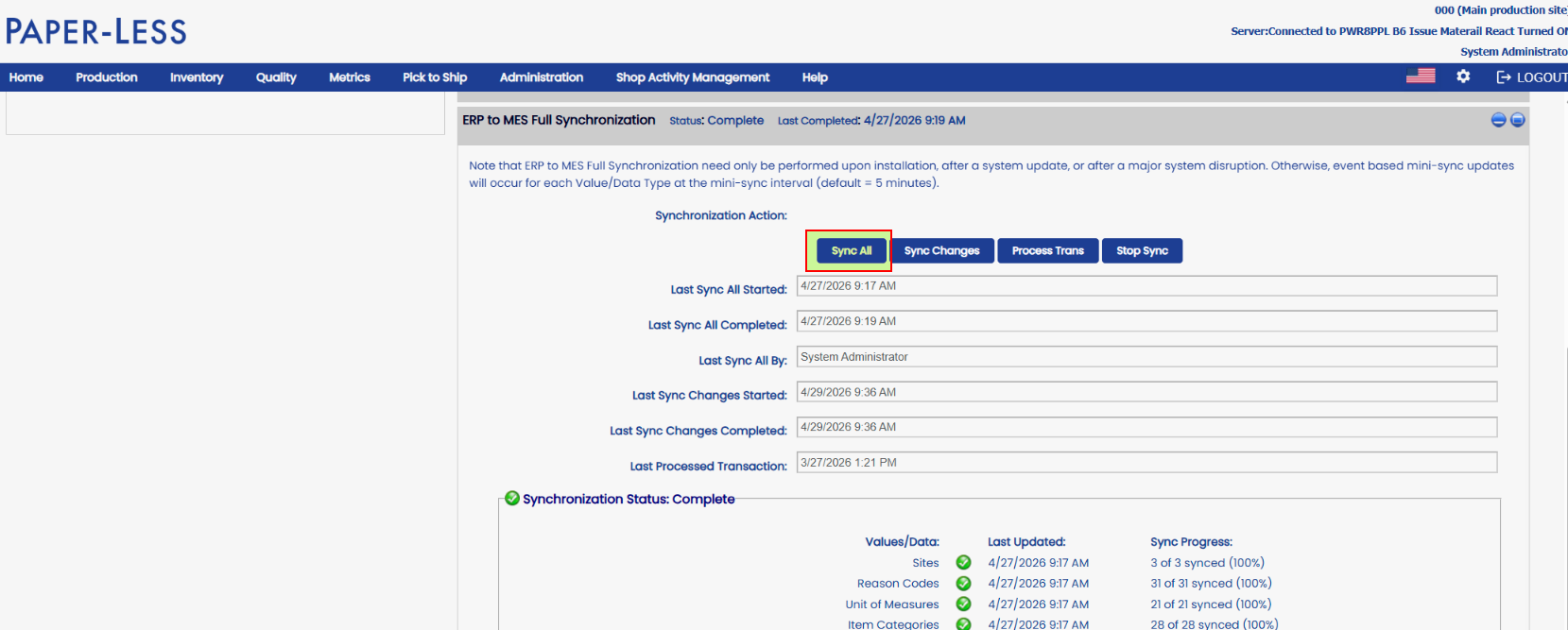
Specifying or limiting which sites MES or MV2 Syncs for XA:
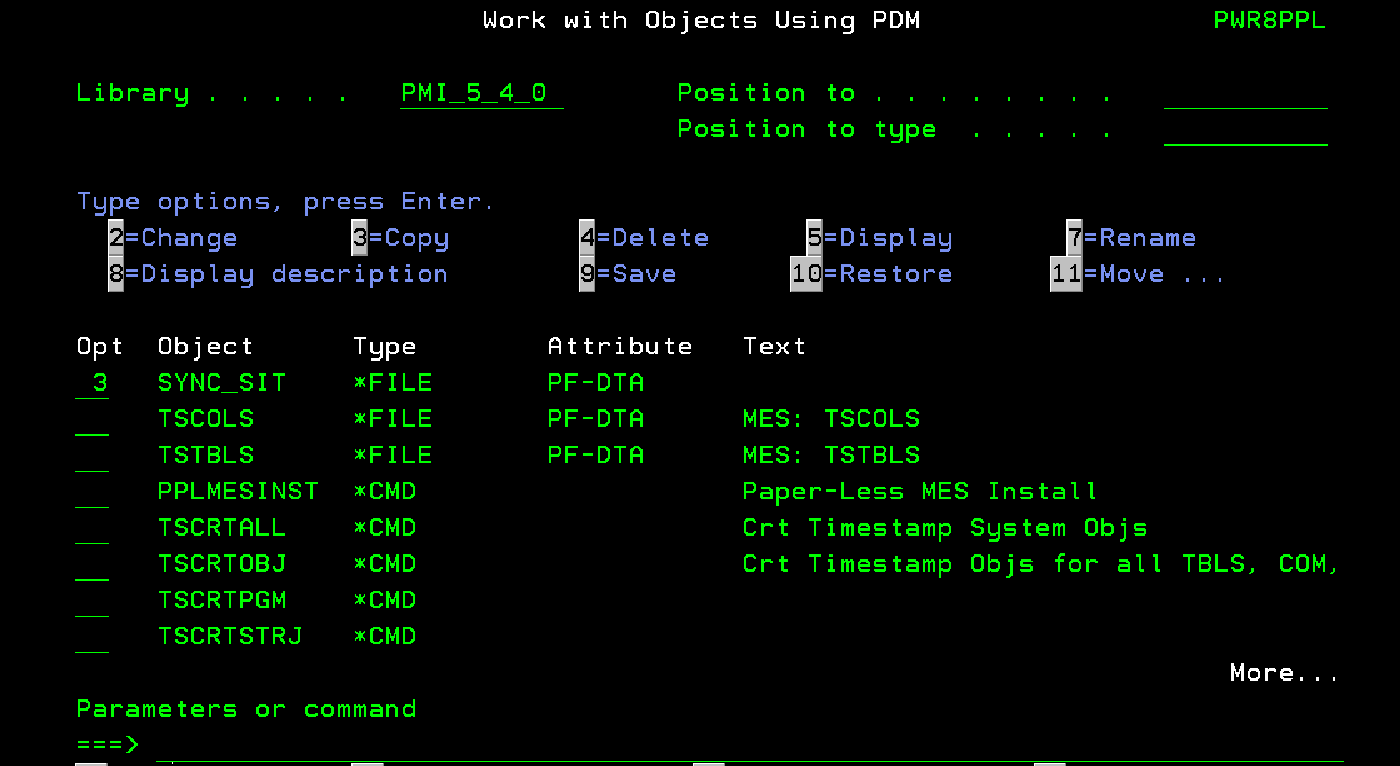
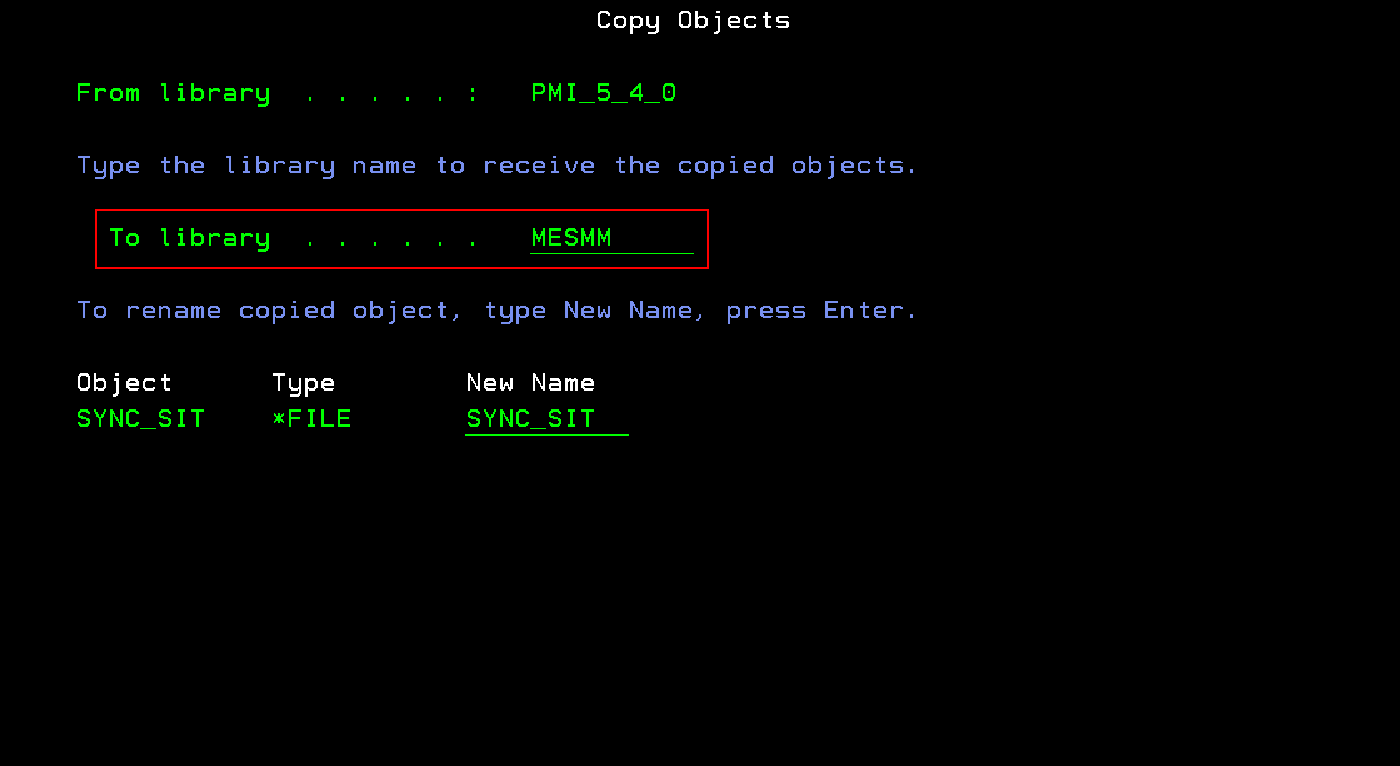
Copy the SYNC_SIT file to each MESxy subsystem library (Test and Production):
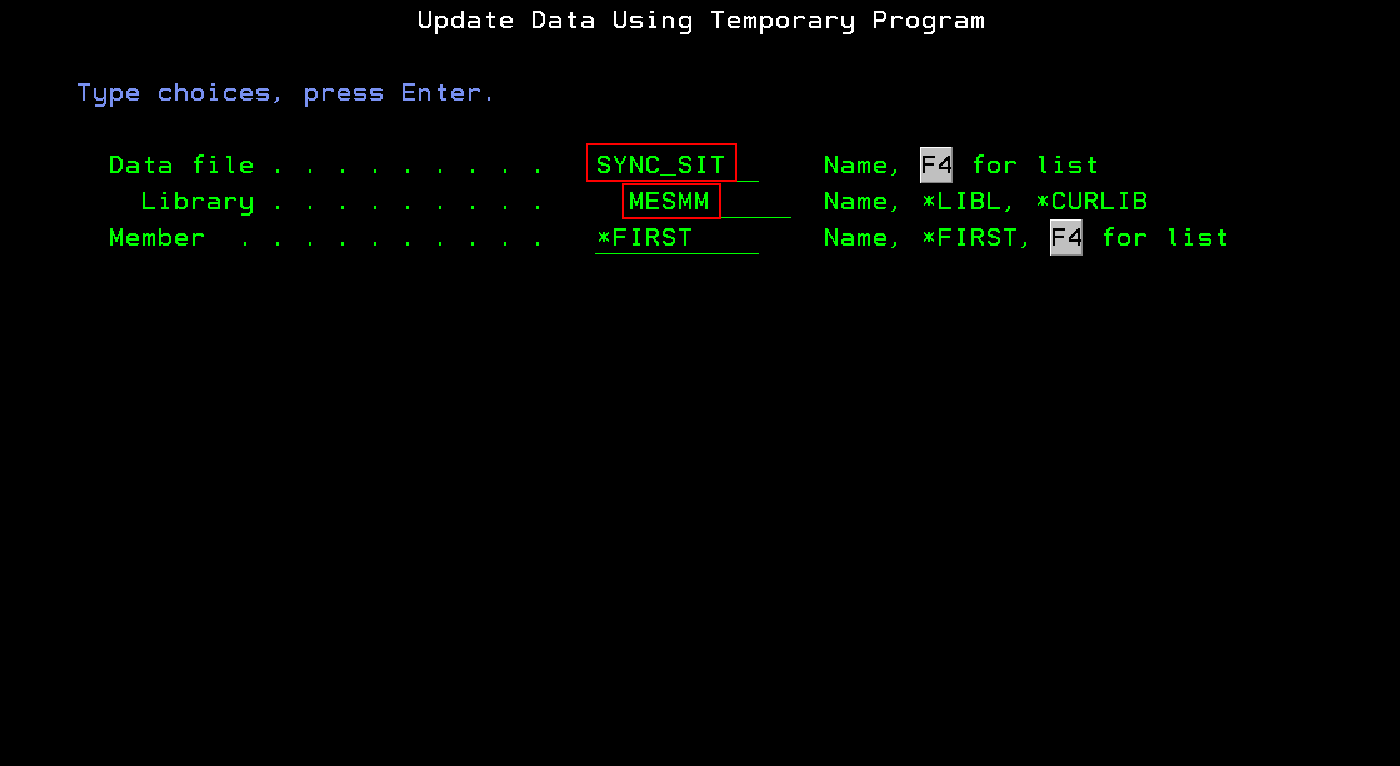
Update SYNC_SIT file data Using DFU:
On a command line enter STRDFU and select option 5 - Update data using temporary program.
Enter Site and Press F9 to insert. Repeat for each site desired to sync- 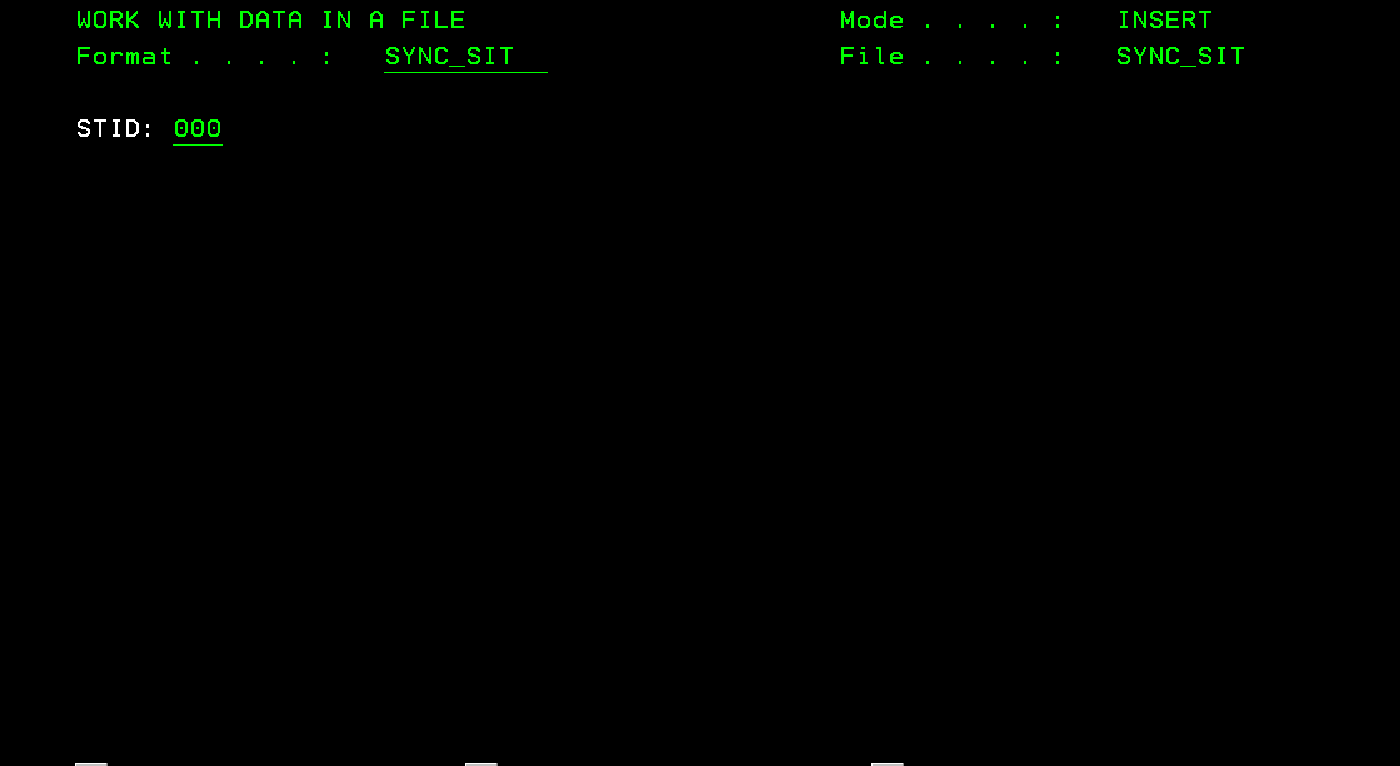
Press F3 to exit and press enter. The number of records added should be shown.
Note: Do not perform this procedure until ready to implement. It is recommended to start with Test environment and test the process before implementing in production. Also, this process will make MES/MV2 unusable until the Full sync has completed. Plan downtime accordingly. If you are unsure about this process, please reach out to support to discuss performing this procedure.
The final step to implement this is to log into the MES IIS Server.
Start the MES database tool.
Select the database (PaperLess or PaperLessTest)
Click on Soft Delete 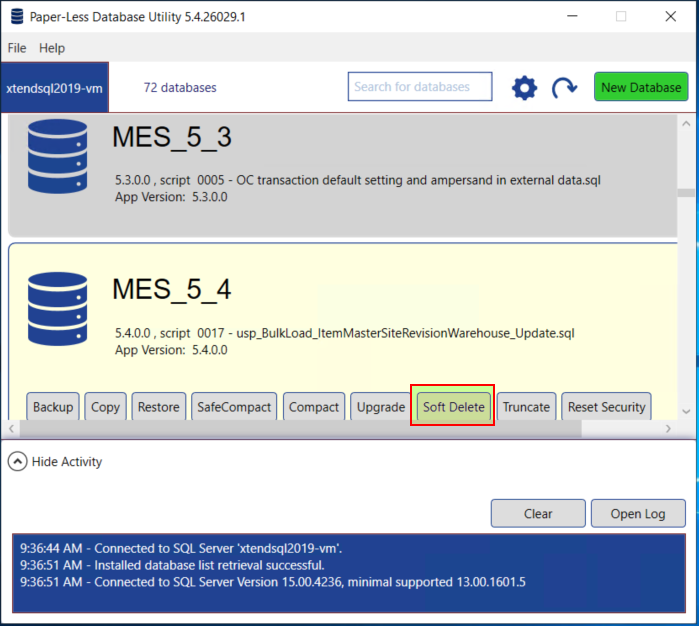 Press OK when the popup screen comes up. Do not make any changes to it.
Once the Soft Delete is completed, click on Truncate 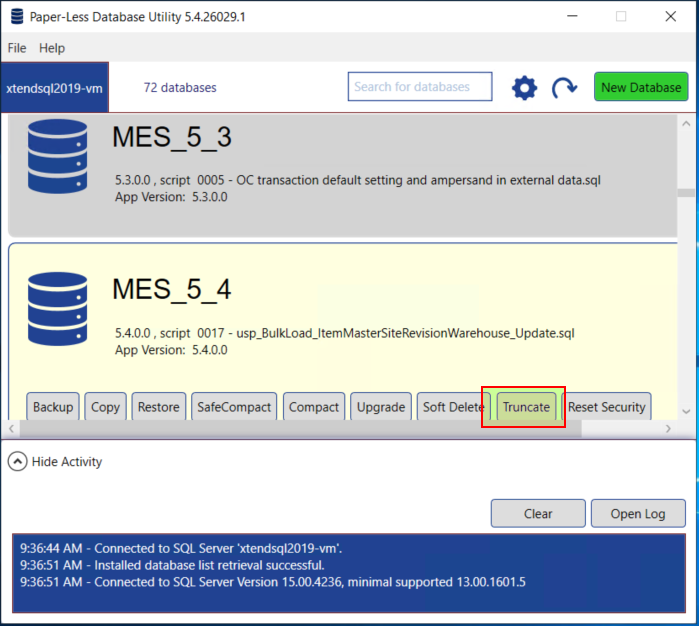
Once this is completed, log into MES/MV2 and run the Full Sync -