This document shows how to reinstall the MES subsystem. In the example screen shots, we use environment 11. Note that all the commands provided will replace an XA environment name with "xy". When utilizing these instructions, replace "xy" with the XA environment that the subsystem is being reinstalled for.
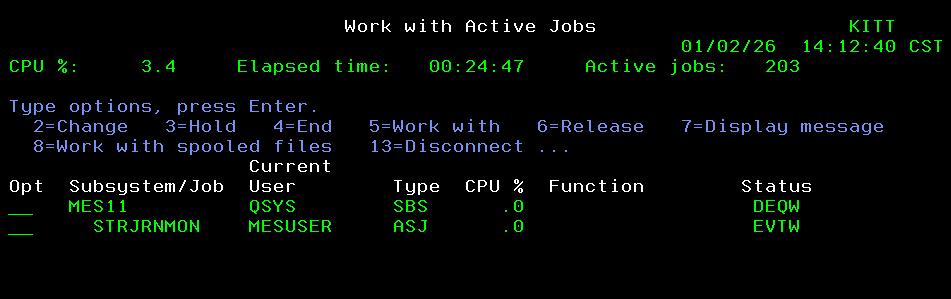
Check which user is used for syncing on the MES subsystem before it is recreated. Make note of this user profile as we will need it in the reinstall:
WRKACTJOB SBS(MESxy)

Clear the MES sync library:
CLRLIB > F4 > Library = MESxy: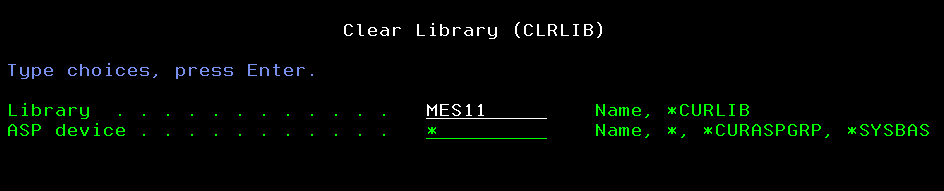
Add the PMI install library to the library list:
ADDLIBLE PMI_5_4_0
Uninstall the MES subsystem with the uninstall command:
TSUNINSTAL > (XA environment name):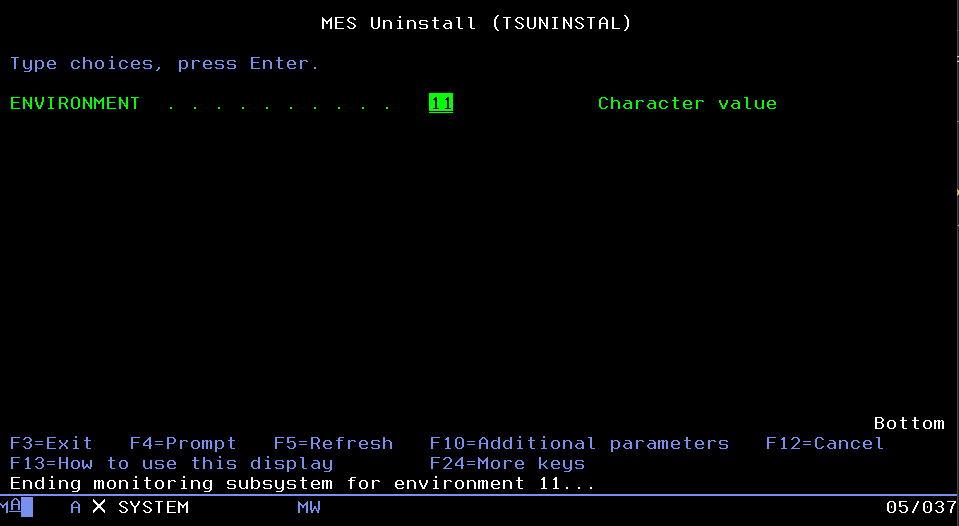
Once the uninstall has completed successfully, a message should appear confirming the uninstall completed with no errors: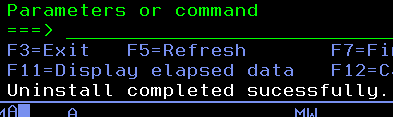
install the subsystem with the install command:
TSCRTALL > F4 (prompt):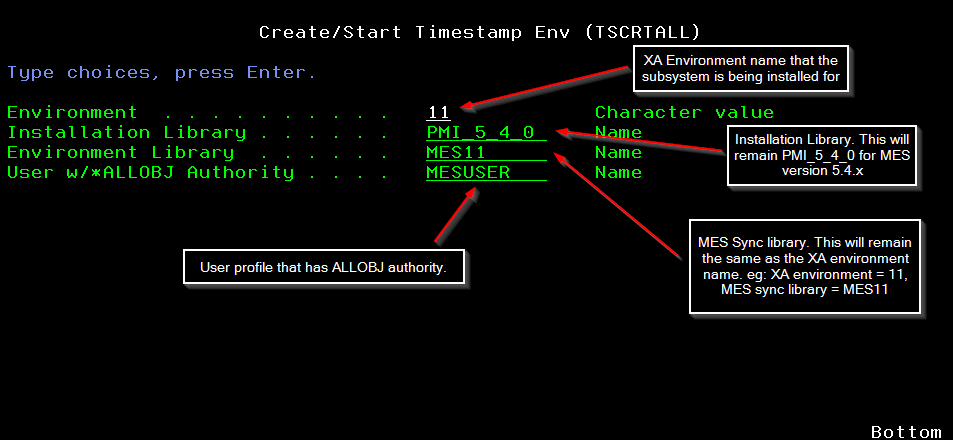
Accept the fields by pressing enter, the process will automatically build the subsystem and populate the MESxy library. Should get a message that the install was successful without errors:
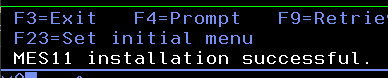
Verify that the subsystem is running by looking at active jobs:
WRKACTJOB SBS(MESxy)