
ISE Professional Services and Paper-Less Products Support Ticket system can be accessed a couple of different ways. Your login will work for either. You may access the support portal using the URL's below:
ISE Professional Services customers can use https://support.ise-erp.com/support/home to open support ticket
Paper-Less Products customers can use https://support.paperlessllc.com/support/home to open a support ticket
It is recommended to use the url appropriate to your question or issue as there may be help articles specific to the service or product.
If you do not have an account click on the Sign up link on the home page

Enter the appropriate information and click Register when done. The system will email a confirmation code. Please check your spam filter for support@ise-erp.com or help.desk@paperlessllc.com emails.
- Log in to the portal (either support@ise-erp.com or support.paperlessllc.com)
- Search for your issue in the Solutions to see if there is already a resolution for your issue.
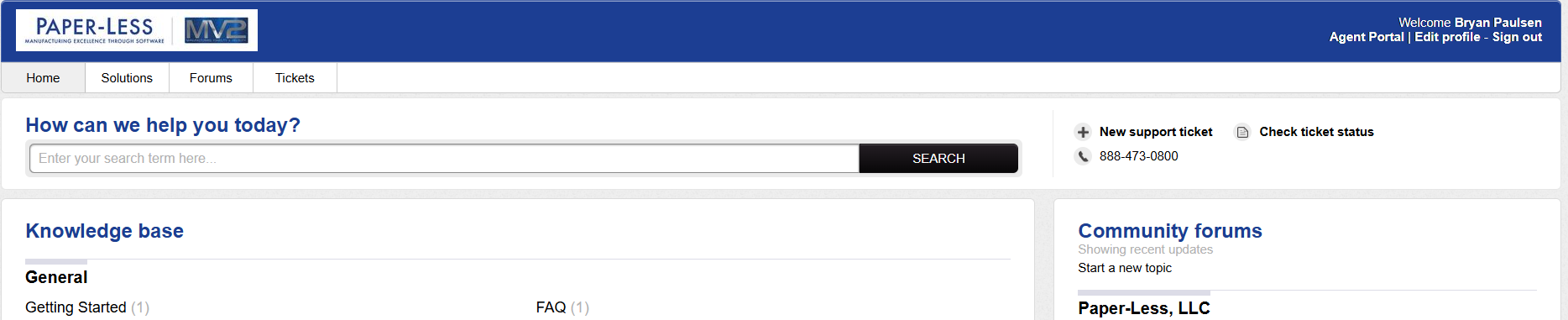
- If you are unable to find a solution to your issue, click on "New Support Ticket" link.

- Fill in the form with as much information as possible and attach any files as needed.
- To add any other people you want CC'd on the Ticket -
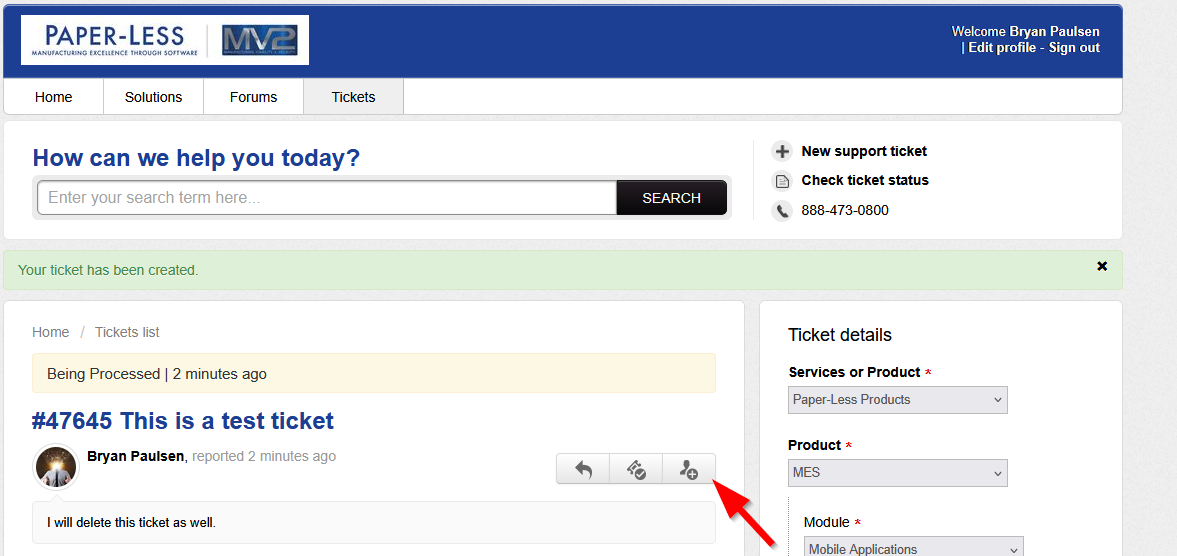

Updates entered into the ticket will cause notifications to be sent to all that are CC'd on the ticket.
Others in your company that have signed up can be setup to see and update the ticket. Please let us know if there are others within your organization that should have access to view and update all tickets and we will add them to the list.
- Email: technical.support@iseteam.com for Paperless Product or ISE Services technical issues and questions.
- Please enter a short description of the problem in the email subject line and attach any documents needed to the email as well.
- Do not enter any other email addresses in the To:
- Do not CC anyone else on your email to help desk as subsequent replies by those CC'd will open new tickets in the system.
- Once you receive the notification for the new ticket from the Paper-Less ticket system, you may log in and add additional people to the CC list or you may reply to the notification email and CC others you want to have notified of updates to the tickets.
Call Us Direclty -
Call use directly at 1-888-473-0800 or (262)567-9240. One of our support technicians or consultant will contact you as soon as possible..